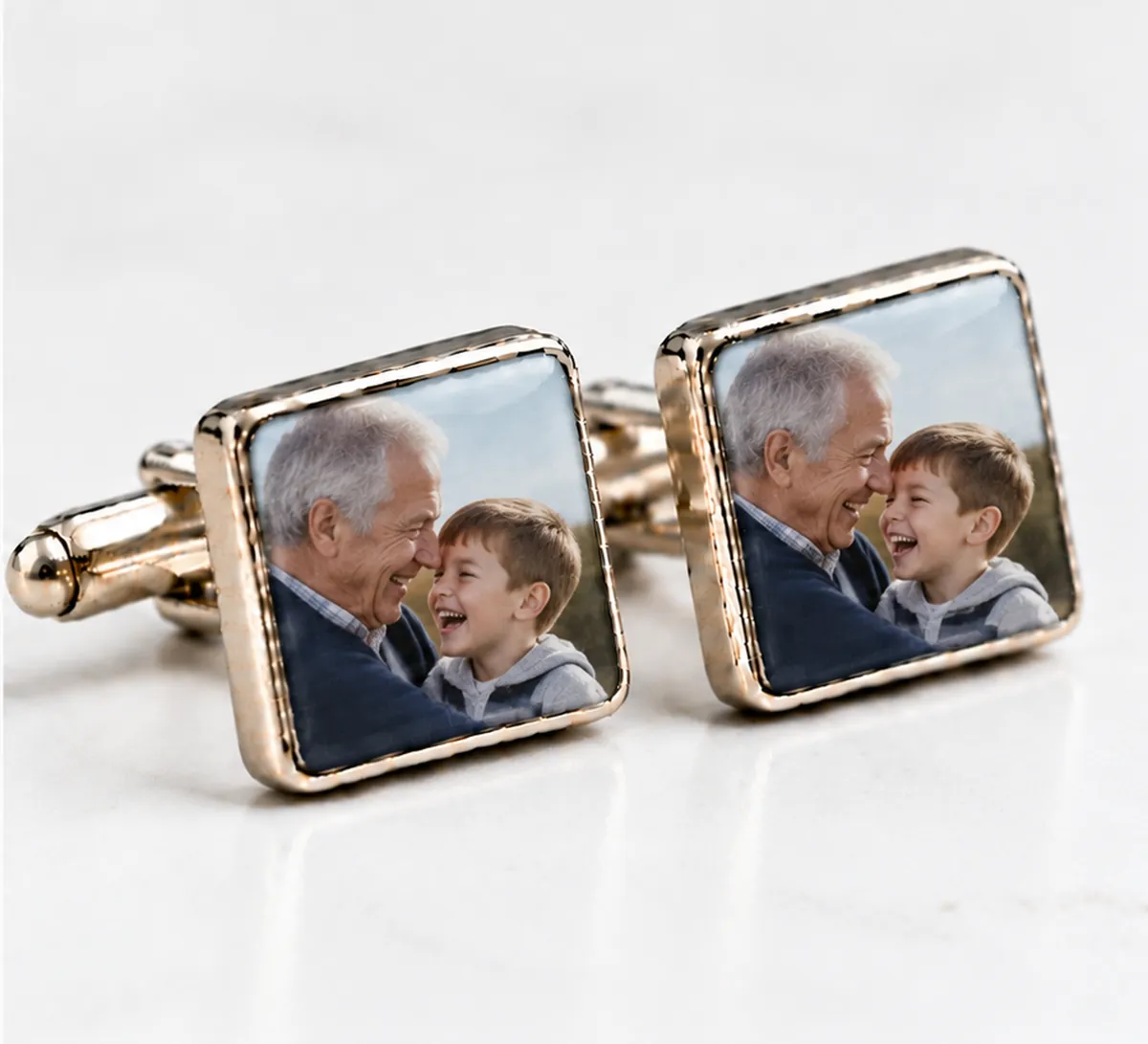
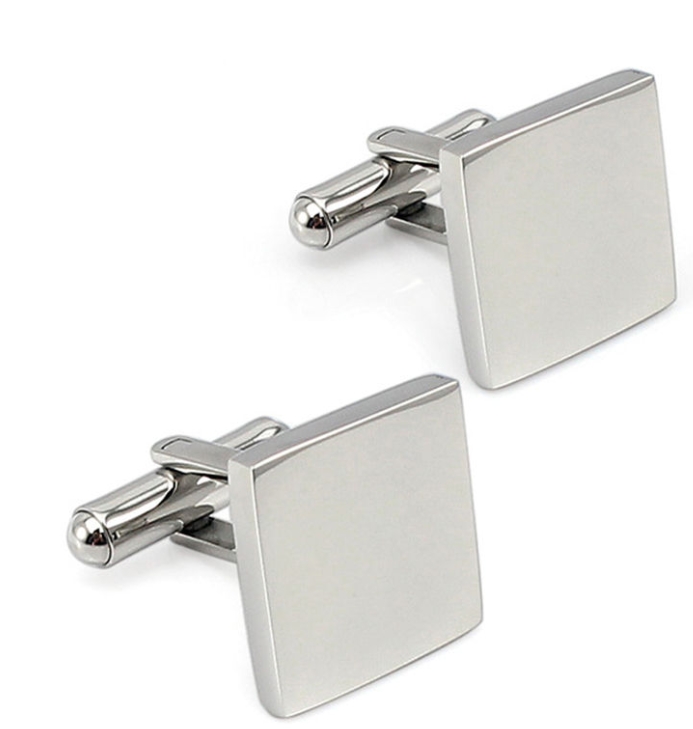
Photo cufflinks turn a picture that usually lives on a phone into something he actually carries with him. The trick is choosing a photograph that still tells its story when it's shrunk down to a small square, and that's what most of this page is about.
The photos that work best at cufflink size
A cufflink is small, so the best pictures have one clear subject. Think of it the way a stamp designer would: one face, one animal, one object, filling most of the frame.
Photos that tend to look wonderful:
- A single face, close up, looking at the camera.
- A pet's head and shoulders, especially with a plain background.
- Two faces cheek to cheek, for a couple or a parent and baby.
- A strong silhouette, like a lighthouse, a boat or a figure against a sunset.
Photos that struggle are wide group shots, busy scenes, and landscapes where the interesting bit is tiny. That doesn't mean you can't use a favourite group photo. Just crop in on the part that matters most, even if that's one grinning face from the back row.
Who to put on them
The subject usually picks itself once you know the occasion.
For Father's Day or a birthday, a close-up of the children is the obvious favourite. If there are two children, a photo with both of them in it keeps things simple.
For a groom, a picture of his bride, or of the two of them on the day they got engaged, is a lovely surprise to open on the wedding morning.
For a dog or cat lover, the family pet is a natural choice, and pets look particularly good at this size because their faces are so graphic.
For a son or grandson, a picture of a parent or grandparent, perhaps from their own wedding day, lets family history come along to the next big occasion.
Getting the most from a phone photo
Most photos these days come from a phone, and for photo cufflinks a phone picture is usually more than good enough, as long as you upload the original.
- Use the original file, not a forwarded copy. Photos sent through messaging apps and social media are often compressed. If a friend sent you the picture, ask them to email the original or share it through a cloud album.
- Crop before you upload, if you like. You can drag and zoom in the preview, but cropping first on your phone lets you frame the subject precisely.
- Brighter is better. A slightly dark photo can look murky on a small surface. Lift the brightness a touch in your phone's editor.
- Watch the background. A plain wall or sky keeps attention on the face. A cluttered room competes with it.
- Try black and white. A black-and-white conversion can make a photo with odd colours or mixed lighting look instantly timeless.
Old prints and family archives
Photo cufflinks are a beautiful way to use pictures that only exist on paper: a grandfather in uniform, parents on their wedding day, a childhood seaside snap. To get a good digital copy, scan the print at a high resolution if you can. Otherwise, lay it flat by a window in daylight, avoid glare from the glossy surface, and photograph it straight on with your phone held parallel to the print. Crop out the white border before uploading.
Upload, preview, order
- Upload the photo you've chosen.
- The live preview shows it on both cufflinks. Drag it to centre the face and zoom until it fills the square the way you want.
- Add to basket and pay through the secure checkout.
A single pair is £40 with shipping included. If you're ordering for a family or a wedding party, pairs are £15 each when you order 5 or more, plus £5 shipping per order, and several different photos can go in one basket. Each pair is made in our Cornwall workshop, where we've been creating personalised gifts for 17 years, and arrives in a gift box.